
Invoice templates
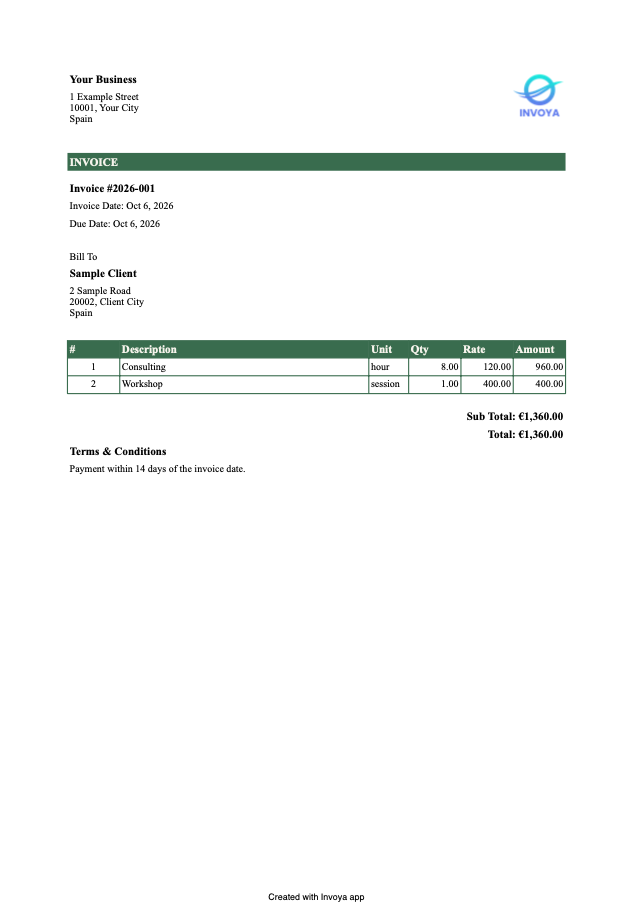
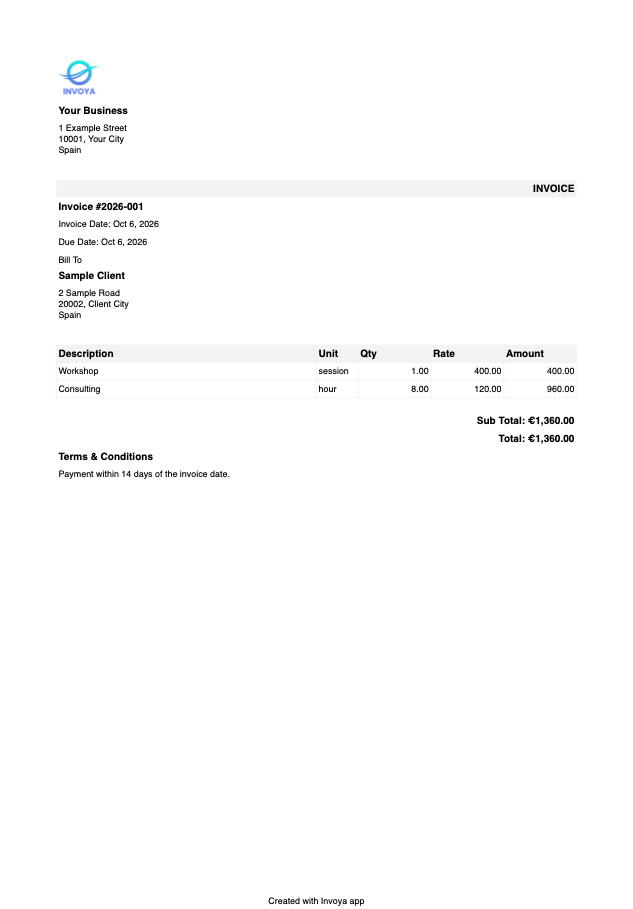
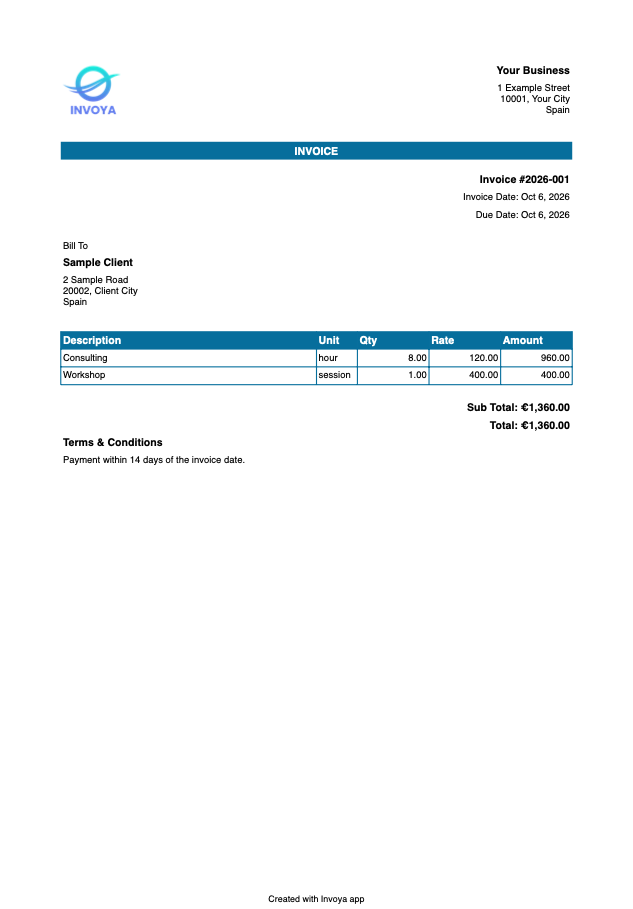
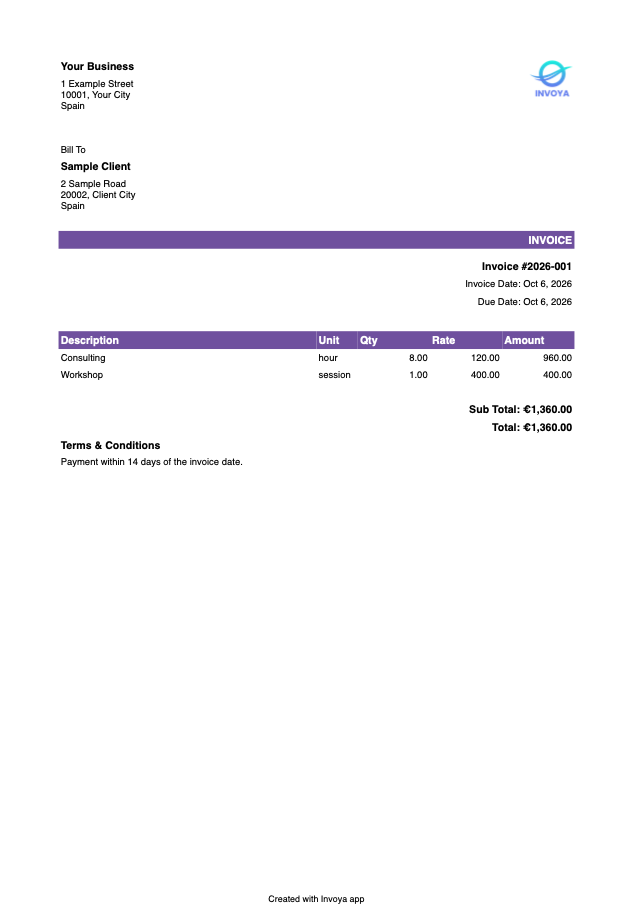
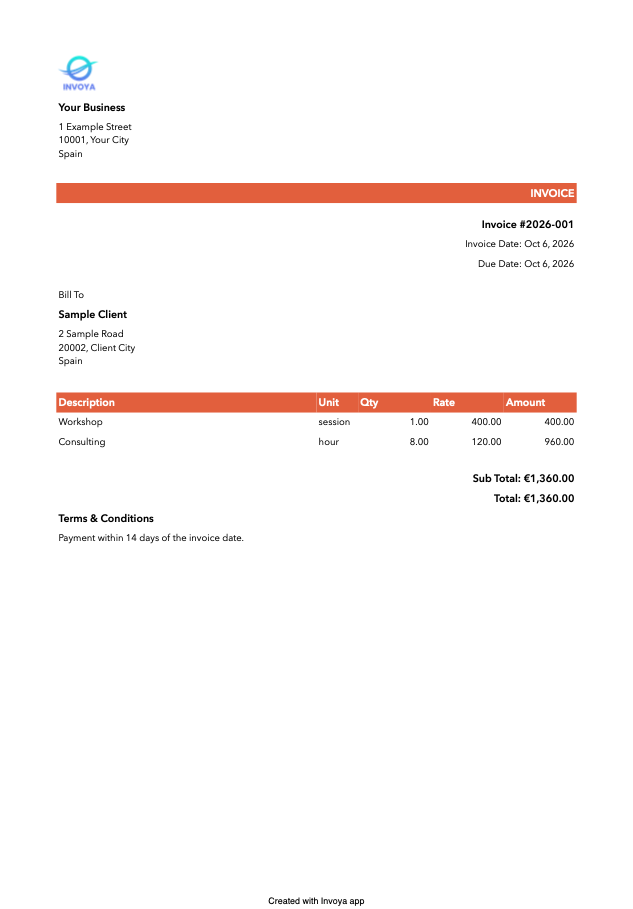
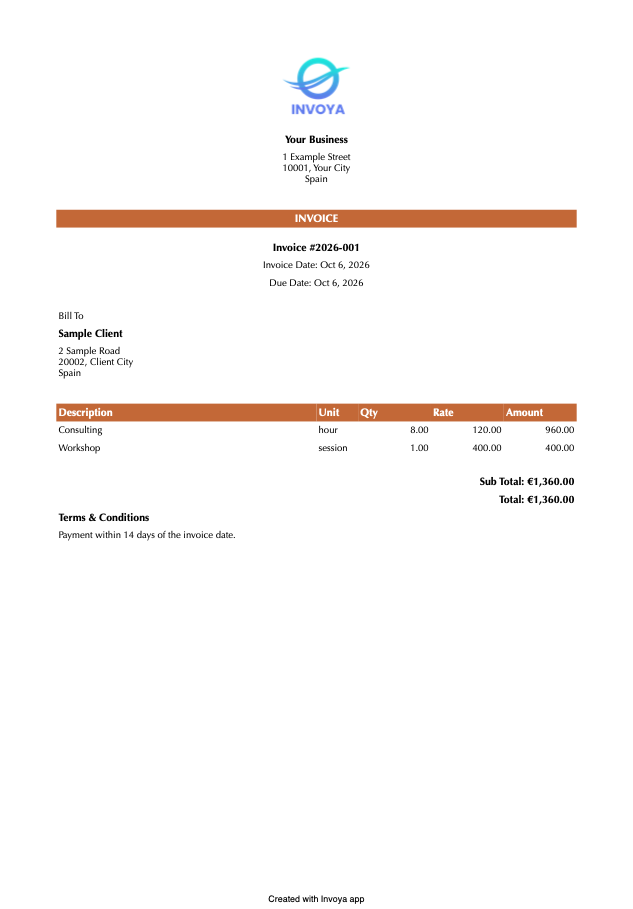
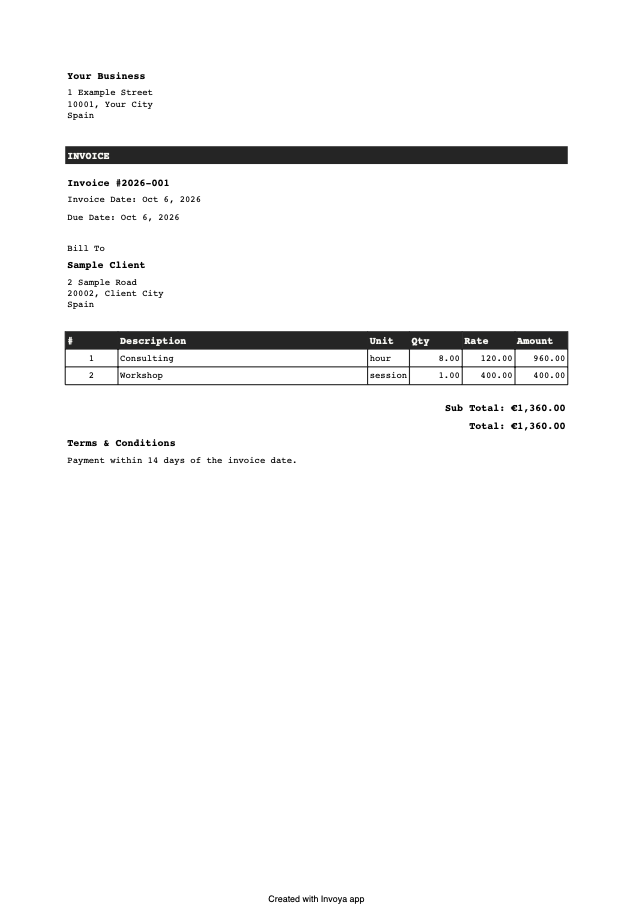
Change how your invoices look. Download a template and open it — Invoya shows it with your own details before you add it.
Templates work in Invoya 1.3 or later, on Mac, iPhone and iPad.
Send it to support@invoya.app and it may join the gallery.
How a template is written →
The previews show sample details.
How to add a template
- Download a template from this page.
- On a Mac, double-click the file. On iPhone or iPad, go to Settings → Invoice Template in Invoya and choose Import Template….
- Check how the invoice looks and add the template. New invoices print with it, and you can switch back under Invoice Template in Settings.
With iCloud sync on, the templates you add appear on your other devices too.