
Invoya — Time tracking and invoicing in one app.
If you are paid for your time — by the session, the shift or the hour — track that time as you go, then build the invoice from it in two clicks.


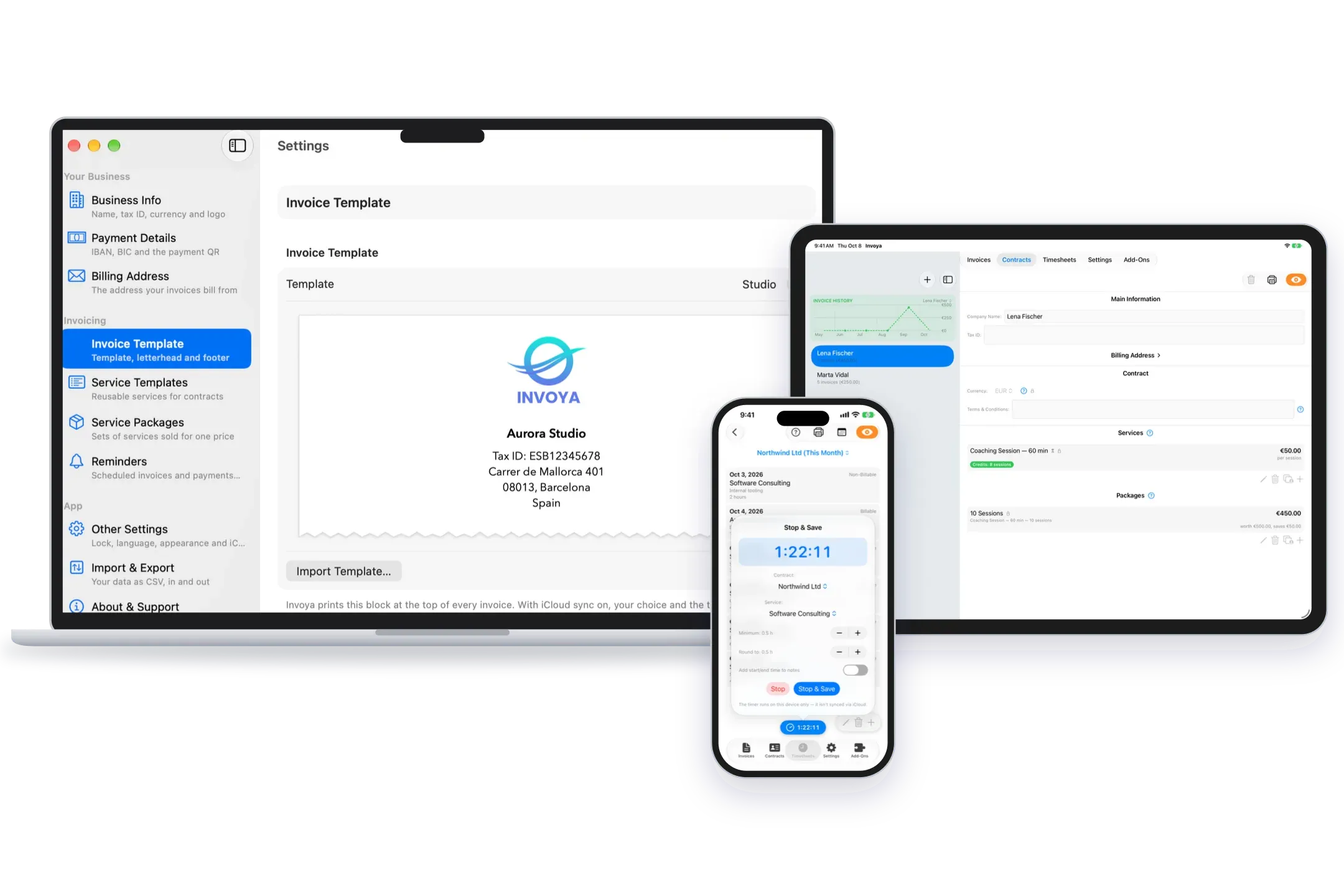
From tracked hours to an invoice, in two clicks
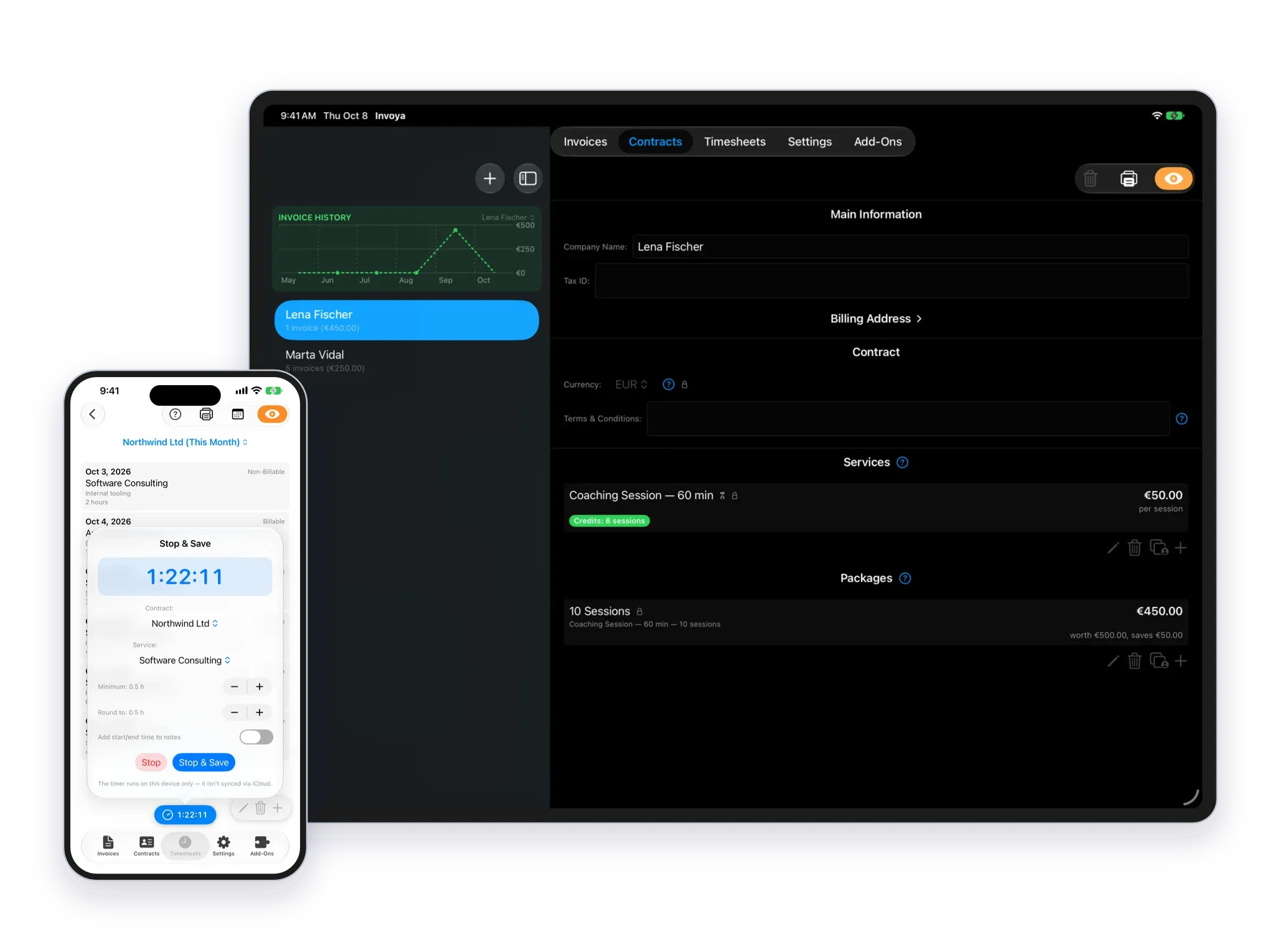
Track your time against a contract and a service — start the timer, or simply enter the hours yourself. When it’s time to bill, fill in the invoice straight from those records. Hours are added up per service, so each service becomes one clear line instead of forty stopwatch entries, and your minimum billing increments and rounding rules are applied automatically.
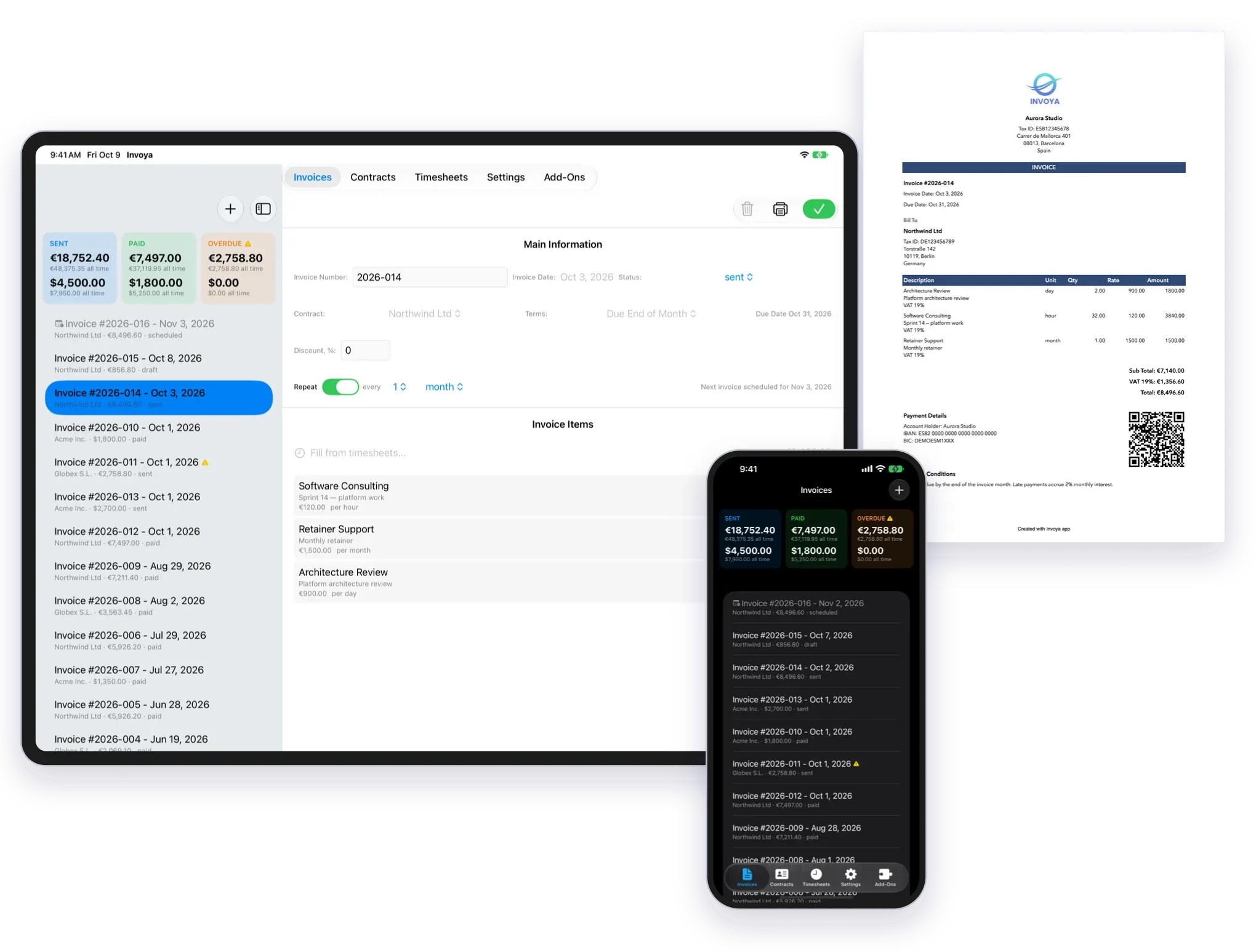
Invoices, contracts and PDFs
Create an invoice, set its payment terms and export a clean PDF ready to send. Your clients, contracts, services and tax rates are already in the app, so a new invoice takes a few taps rather than starting a fresh spreadsheet.
Built for the way you get paid
However you bill — by the hour, by the session or by the package — Invoya has a way to match it.
Freelancers and IT professionals
Charge for the hours, days or shifts you work — by contract and by service. Keep your time in whatever form suits you, then invoice any period you choose in two clicks.
Consultants, coaches, tutors and others who work with clients
Charge for a single session, or sell a package of them up front. A paid package credits the client, and every session you hold uses one of those credits up. What is left is always in view.
Your data stays on your devices
Your clients, your rates and the hours you have worked are kept on your own Mac, iPhone and iPad, and sync through your private iCloud. They go nowhere else.
There is no Invoya account and no Invoya server — nothing to sign up for, and nobody to hand your figures to. What you earn and what you charge stays between you and your clients.
The app has no analytics and no telemetry. It stands on its own and keeps working when you are offline.

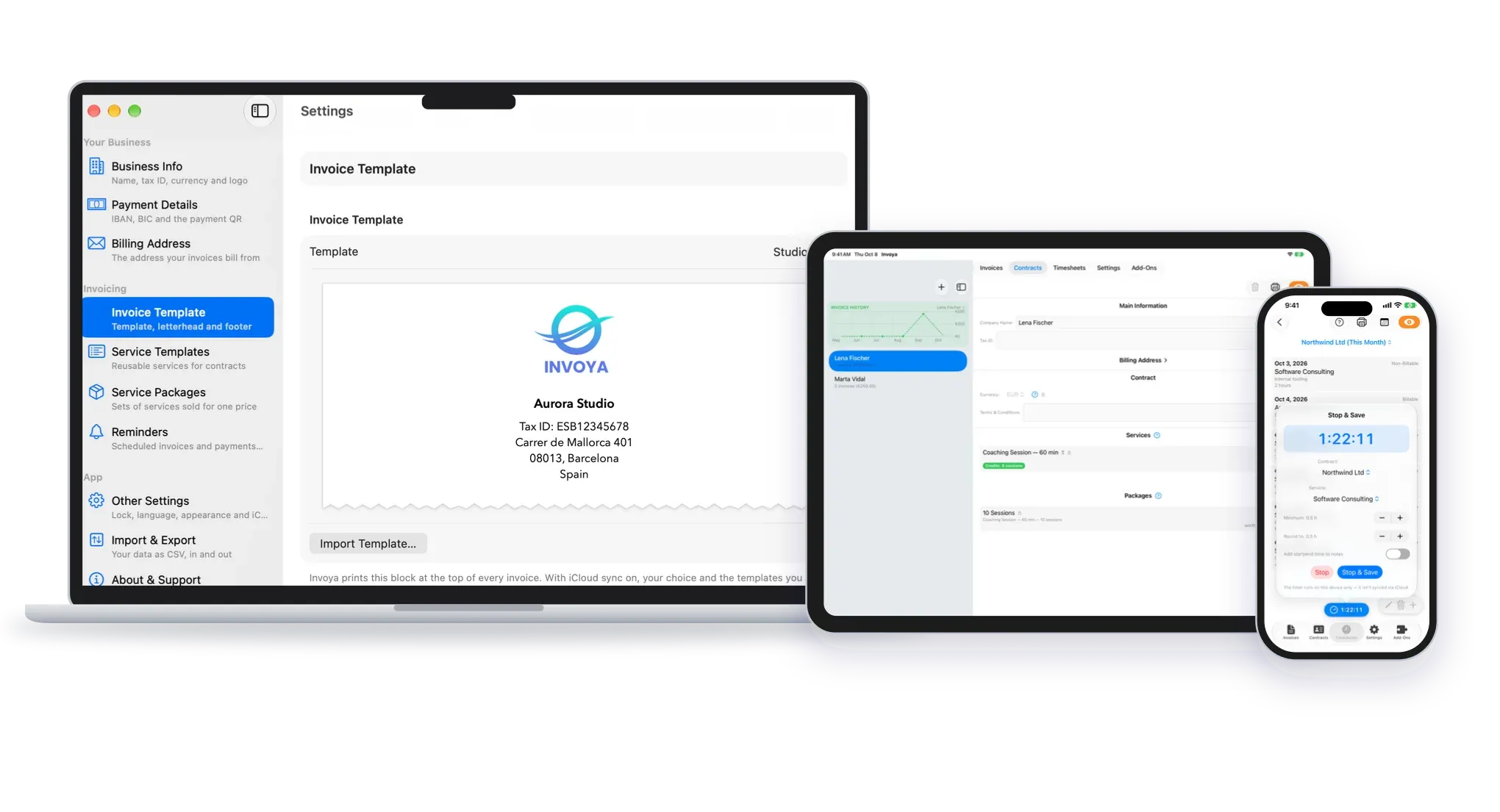
Mac, iPhone and iPad — one app that feels at home
It is written for Apple platforms, so it opens instantly. Move between devices as you work — track your time on any of them and iCloud syncs the rest. Available in English, German, Russian and Ukrainian.
Free to start
Invoicing is free — no subscription, no trial countdown, no signup wall. Timesheets is the paid add-on for professionals who are paid for their time and want to stay in control of their clients’ credits: the sessions or hours you track draw a client’s package down as you work, so what they have left is always right.